
Facebook has become very important in today’s time. If you want to grow your business, then you can promote your business through Facebook and also earn money from home.
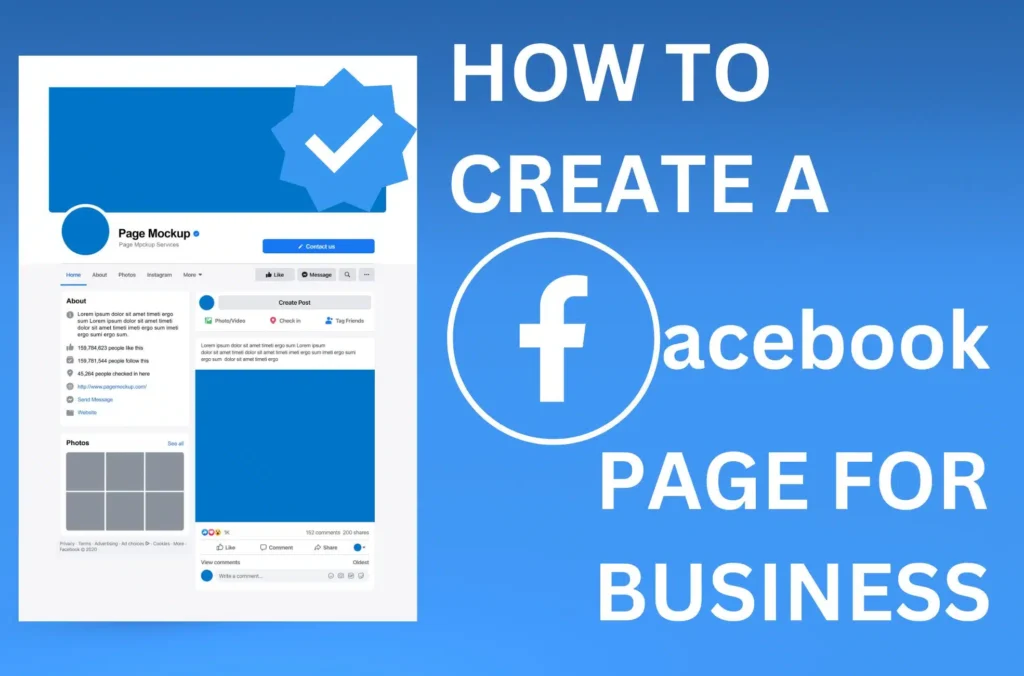
1. Log in to Facebook
- Open the Facebook website or the Facebook app.
- Log in with your personal Facebook account (you need an existing Facebook account to create a page).
2. Go to the “Create” section
- On desktop: On the left sidebar, click on Pages. Then, click on Create New Page.
- On mobile: Tap on the three horizontal lines (menu) in the top right corner, scroll down, and tap on Pages. Then, select Create.
3. Choose a Page Category
- Select the type of page you want to create (e.g., Business or Brand or Community or Public Figure).
- Choose the category that best fits your business or brand (e.g., Restaurant, Retail, Consulting).
4. Enter Basic Information
- Page Name: Enter the name of your business or brand.
- Category: Type keywords related to your business (e.g., “Restaurant”, “Clothing Store”).
- Description: Write a brief description about your business or what the page is about (e.g., “We sell organic food”).
5. Add Profile and Cover Photos
- Profile Picture: Upload a photo or logo that represents your business. This will appear as your page’s avatar.
- Cover Photo: Upload a cover photo that fits your business. The ideal size is 820 x 312 pixels.
6. Customize Your Page
- You can add additional details like your business hours, contact information, and location if needed.
7. Create Your First Post
- You can now post an update, share information about your business, or promote your products or services.
8. Invite People
- Invite friends to like your page. You can also share the page on your personal Facebook profile.
9. Start Engaging
- Begin posting regularly to keep your audience engaged and build a following.